DuckLLM
The New Age Of AI
DuckLLM Is a Private & Secure Local AI, Experience Unparalleled Speeds Without Compromising On Anything
Get The App
Get Our Model
Huggingface
Ollama
!!!Beware !!!
DuckLLM For Commerical Use Must Be Licensed, More Info Below In The "Partnership" Sector
Reviews From Our Users
Learn More About DuckLLM
Meet DuckLLM
What Is DuckLLM Good At?
Efficiency
DuckLLM Offers Efficiency For Better Responses And Better Battery Life.
Knowledge
DuckLLM Is Trained On a Vast Majority Of Data And Supports 29+ Languages.
Interface
DuckLLM's Interface Is Smooth, Responsive & Simple Allowing You To Easily Focus On What's Important.
Supported Systems
Windows
macOS
Linux
Android
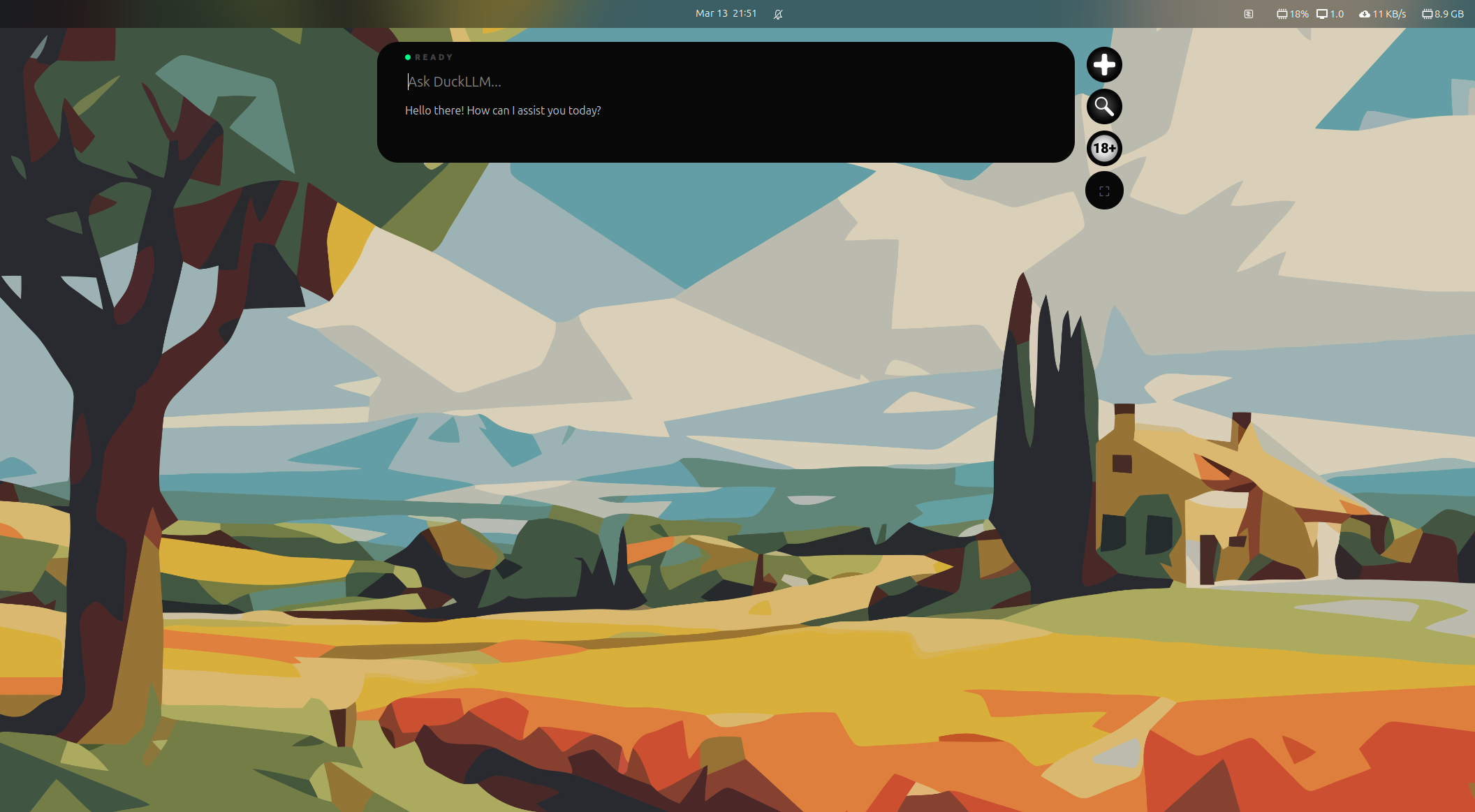
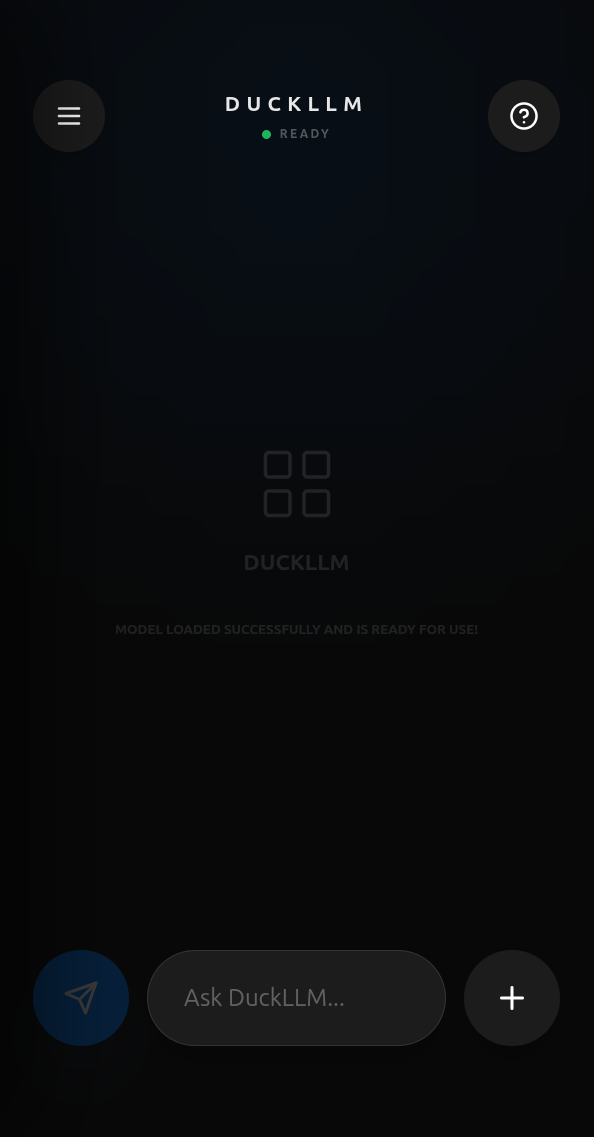
Application Interface
Performance Benchmarks
Partnership
Power Your Infrastructure Or Services With DuckLLM, a Secure, Efficient And Local AI.